

Start from a template
A template is a saved design you can reuse. Once your Saturday brunch screen looks right, save it as a template, and next time you need a similar screen you only change the words and pictures.
Save a layout as a template
Section titled “Save a layout as a template”-
Open the layout in the editor. From the Layouts page, click the palette icon (Design) on its row.
-
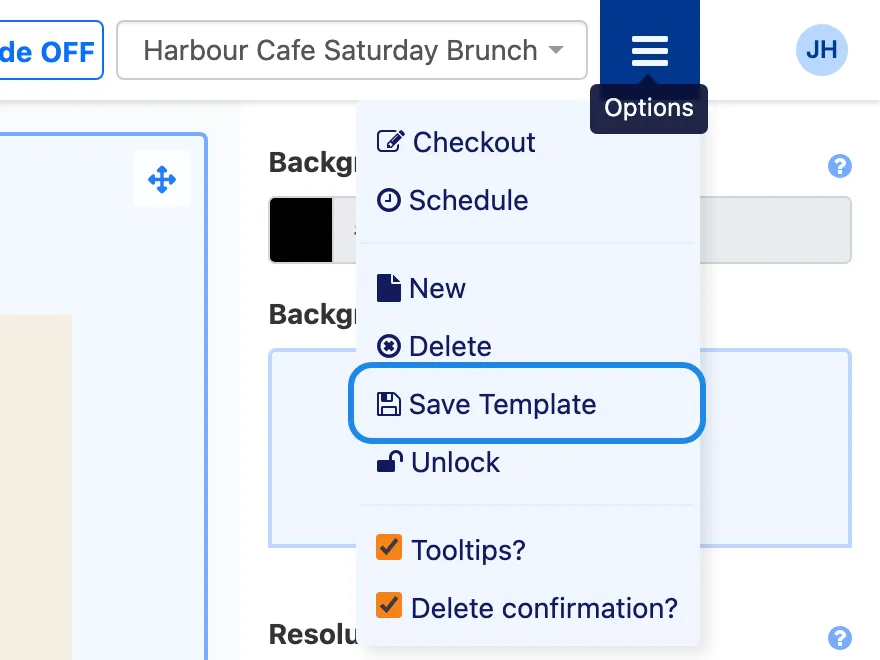
Click Options (the menu icon at the top right) and choose Save Template.
-
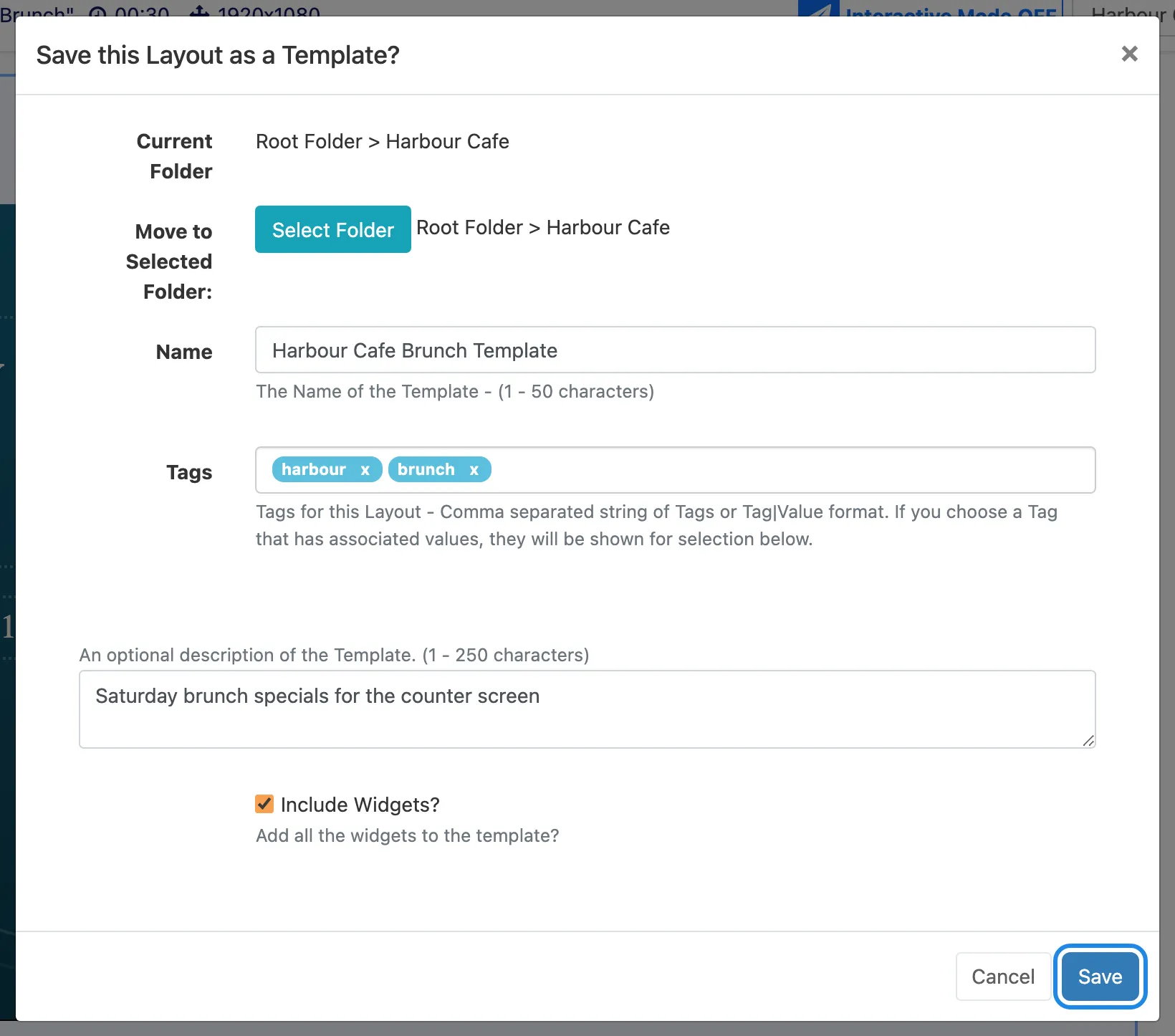
Choose a folder with Select Folder, type a Name for the template, and add Tags and a description if you like. Tick Include Widgets? so the template keeps your text, pictures and widgets. Click Save.
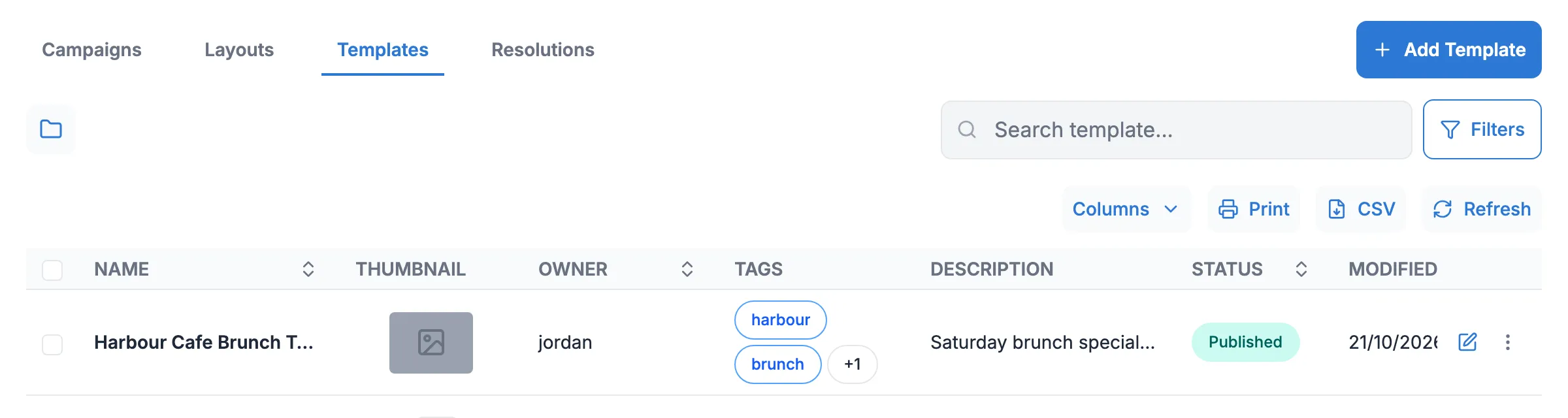
Your templates are listed under Design, Templates.
Create a layout from a template
Section titled “Create a layout from a template”Here we turn the Saturday brunch template into a Sunday brunch screen.
-
Go to Design, Layouts and click Add Layout. The editor opens with an empty layout.
-
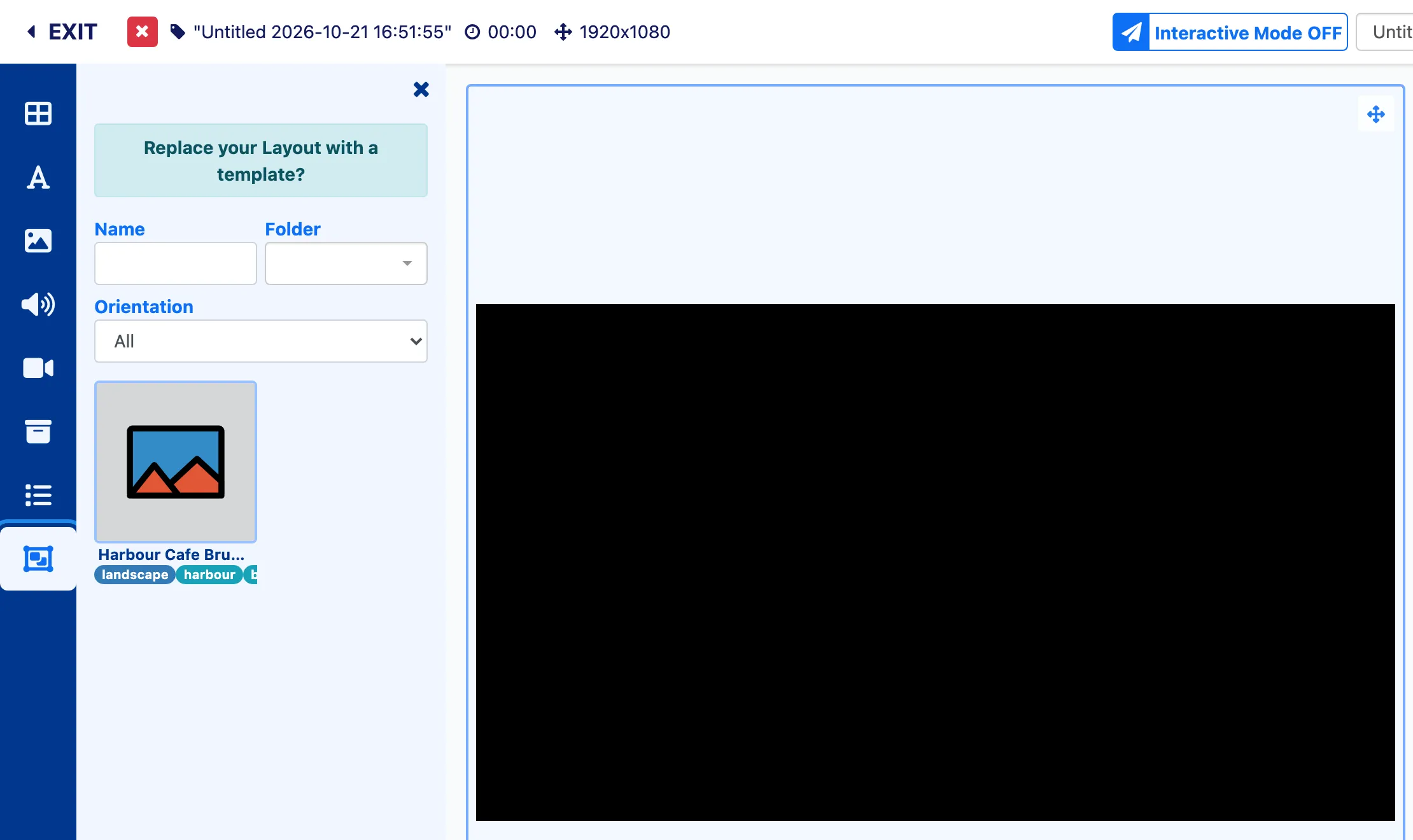
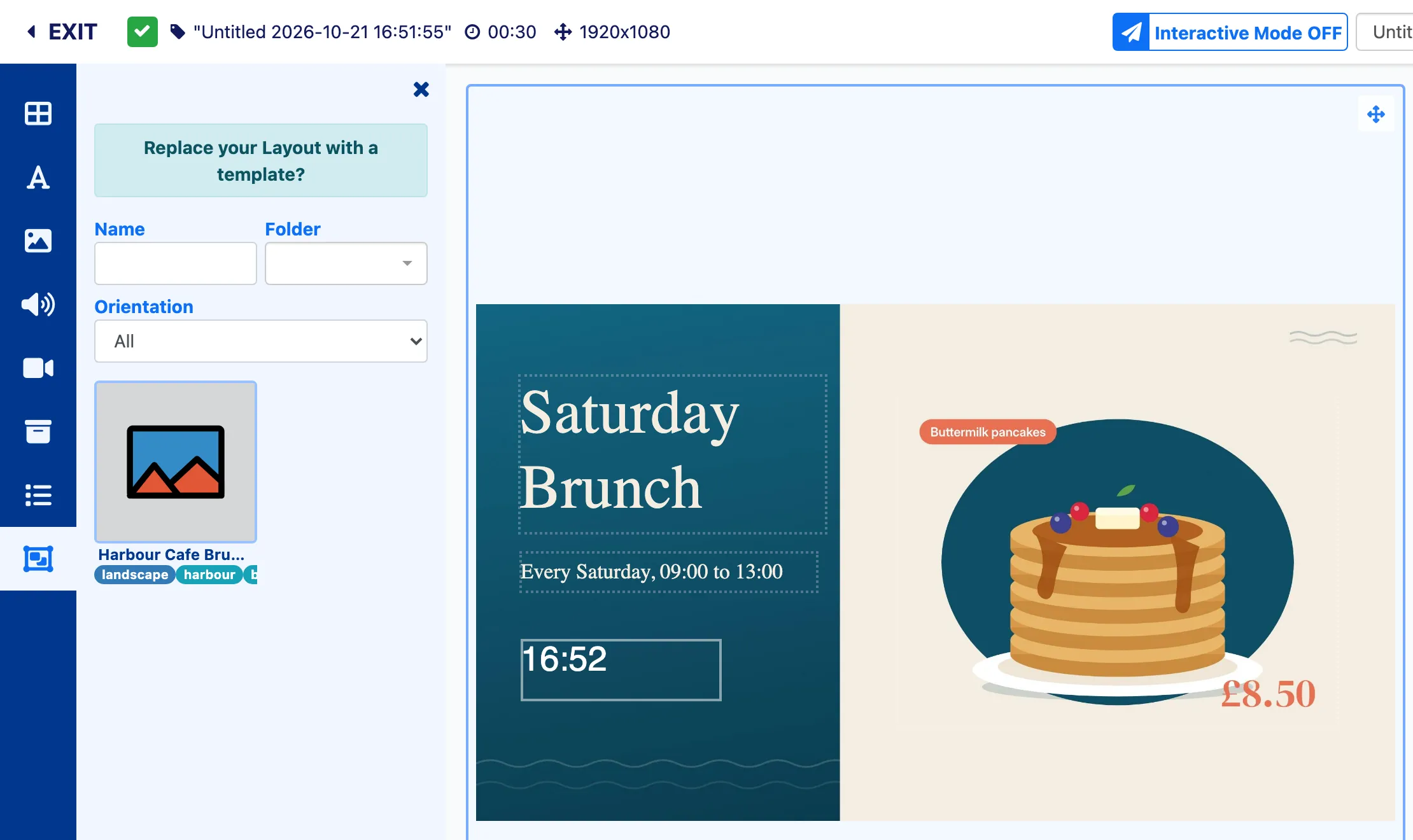
In the toolbox, click Search for Layout Templates, the last icon in the list. Your templates appear, and you can narrow the list by Name, Folder or Orientation.
-
Drag the template onto the canvas. The panel’s heading, “Replace your Layout with a template?”, is a reminder that this replaces anything already on the layout.
-
Click each piece of text and change it in the properties panel. Here the heading becomes “Sunday Brunch”.
-
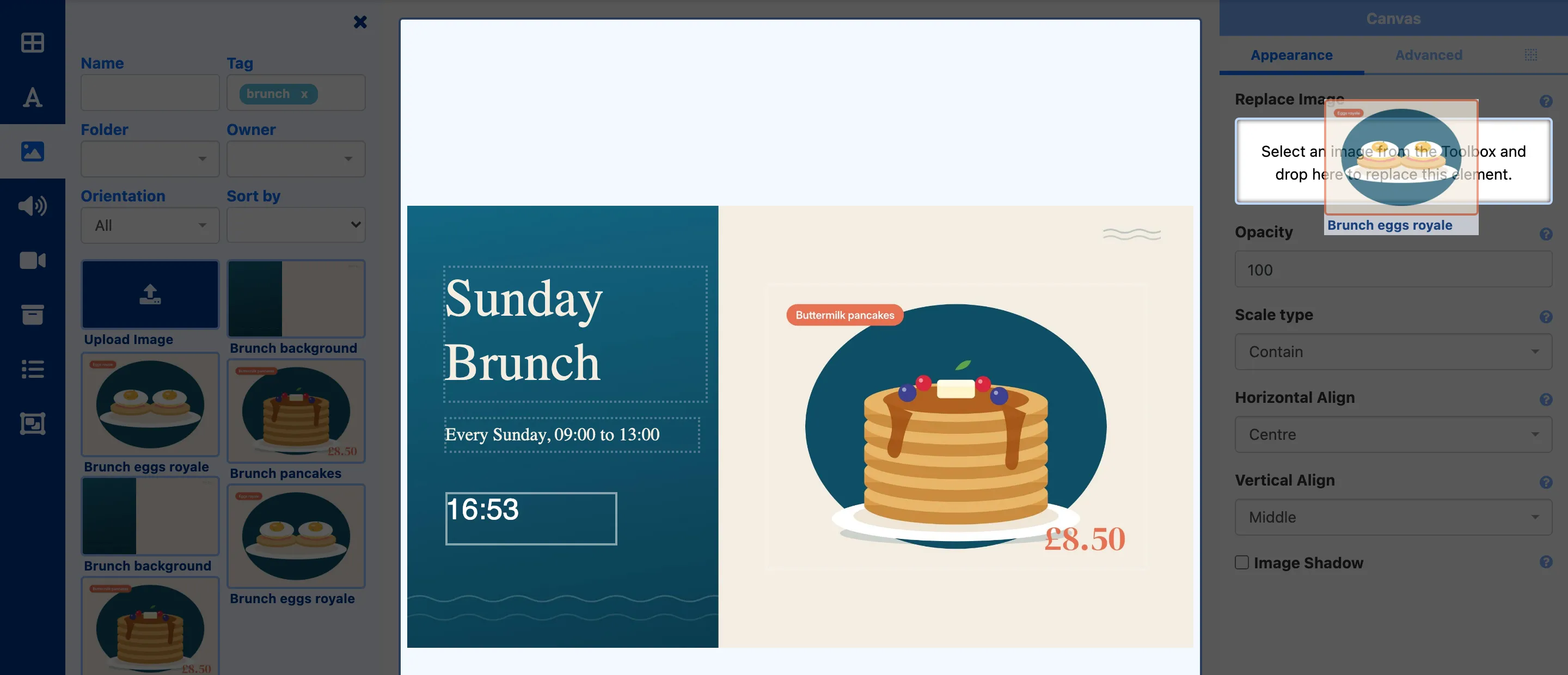
To swap a picture, click it on the canvas, open Library image search and drag the new picture onto the Replace Image box in the properties panel.
-
Click the layout’s name at the top of the editor to rename it and choose its folder, then publish it from the Options menu. Design a layout has the details.
Change a template
Section titled “Change a template”On the Templates page, click More actions on the template’s row and choose Alter Template. Templates are published like layouts, so click Checkout to edit, then publish again when you’re done.